Actions
Feature #341
openEpic #13: Patient Portal
Feature #17: Complete Health Intake Form
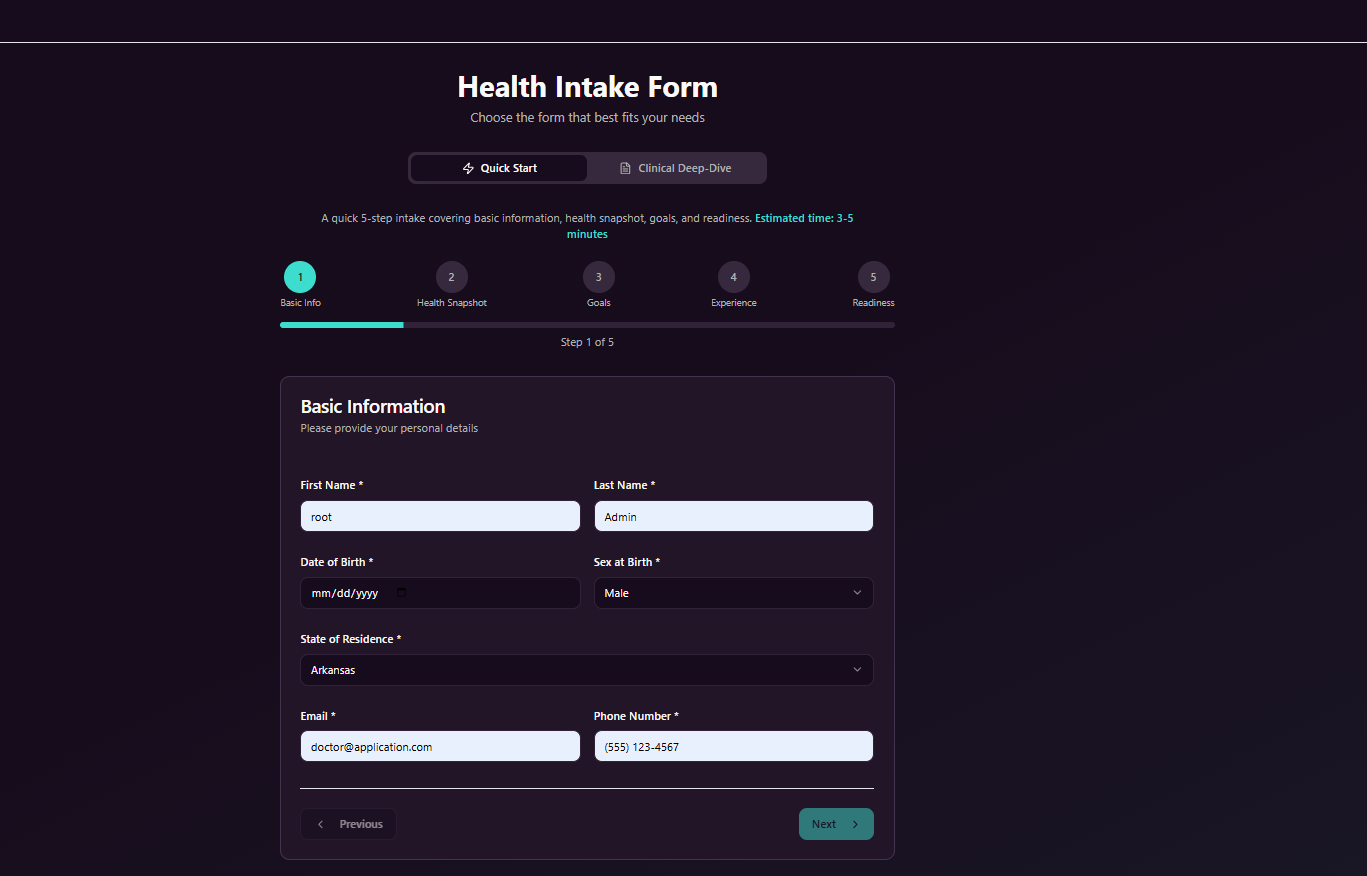
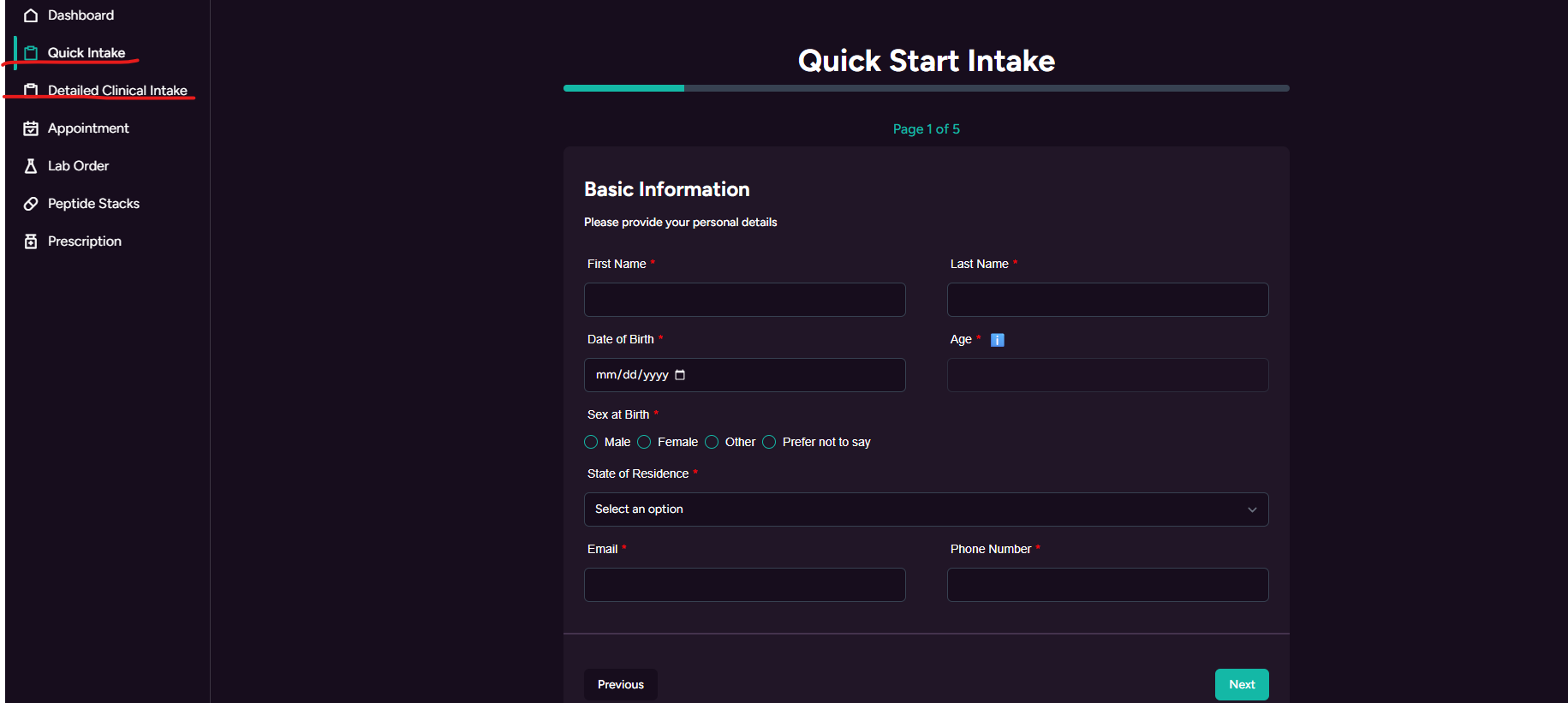
Split Health Intake Form into Quick Start and Clinical Deep Dive
Start date:
01/08/2026
Due date:
% Done:
0%
Files
Actions
#2
Updated by Redmine Admin 9 months ago
- File clipboard-202601081215-9es0m.png clipboard-202601081215-9es0m.png added
- File clipboard-202601081215-3kalm.png clipboard-202601081215-3kalm.png added
- Description updated (diff)
Updated by Redmine Admin 9 months ago
- Assignee changed from Abhishek Thakur to Vikash Kumar
Updated by Vikash Kumar 9 months ago
- Assignee changed from Vikash Kumar to Deeksha Singh
Updated by Vikash Kumar 9 months ago
- File clipboard-202601191315-9rutm.png clipboard-202601191315-9rutm.png added
- Status changed from New to Ready to QA
The intake form is split into two parts: Quick Start and Clinical Deep Dive.
Updated by Deeksha Singh 8 months ago
- Status changed from Ready to QA to Submitted To Client
Updated by Deeksha Singh 8 months ago
- Status changed from Submitted To Client to Ready To UAT
Updated by Deeksha Singh 8 months ago
QA test casses:
- Verify intake form is clearly split into two sections: Quick Start Intake and Clinical Deep Dive Intake.
- Verify Quick Start Intake is available during initial onboarding.
- Verify Quick Start Intake collects only essential information (basic info, health snapshot, goals, experience, readiness).
- Verify Quick Start Intake can be completed independently by the patient in a short flow.
- Verify completion of Quick Start Intake allows the patient to proceed with account setup.
- Verify completion of Quick Start Intake allows the patient to schedule appointments.
- Verify Clinical Deep Dive Intake is accessible separately from Quick Start.
- Verify Clinical Deep Dive Intake can be completed before, during, or after an appointment.
- Verify both Patient and Provider can access Clinical Deep Dive Intake as part of appointment workflow.
- Verify system does not force completion of Clinical Deep Dive during onboarding.
- Verify intake completion status (Completed / Pending) is clearly displayed to the patient.
- Verify provider can view intake completion status during appointments.
- Verify system clearly guides users on when and why to complete each intake section.
- Verify user flow remains smooth without blocking progress for incomplete Clinical Deep Dive
Actions